Raise3D Printer Cart for Pro3/Pro2/E2 3D Printers - MCDMJNK4
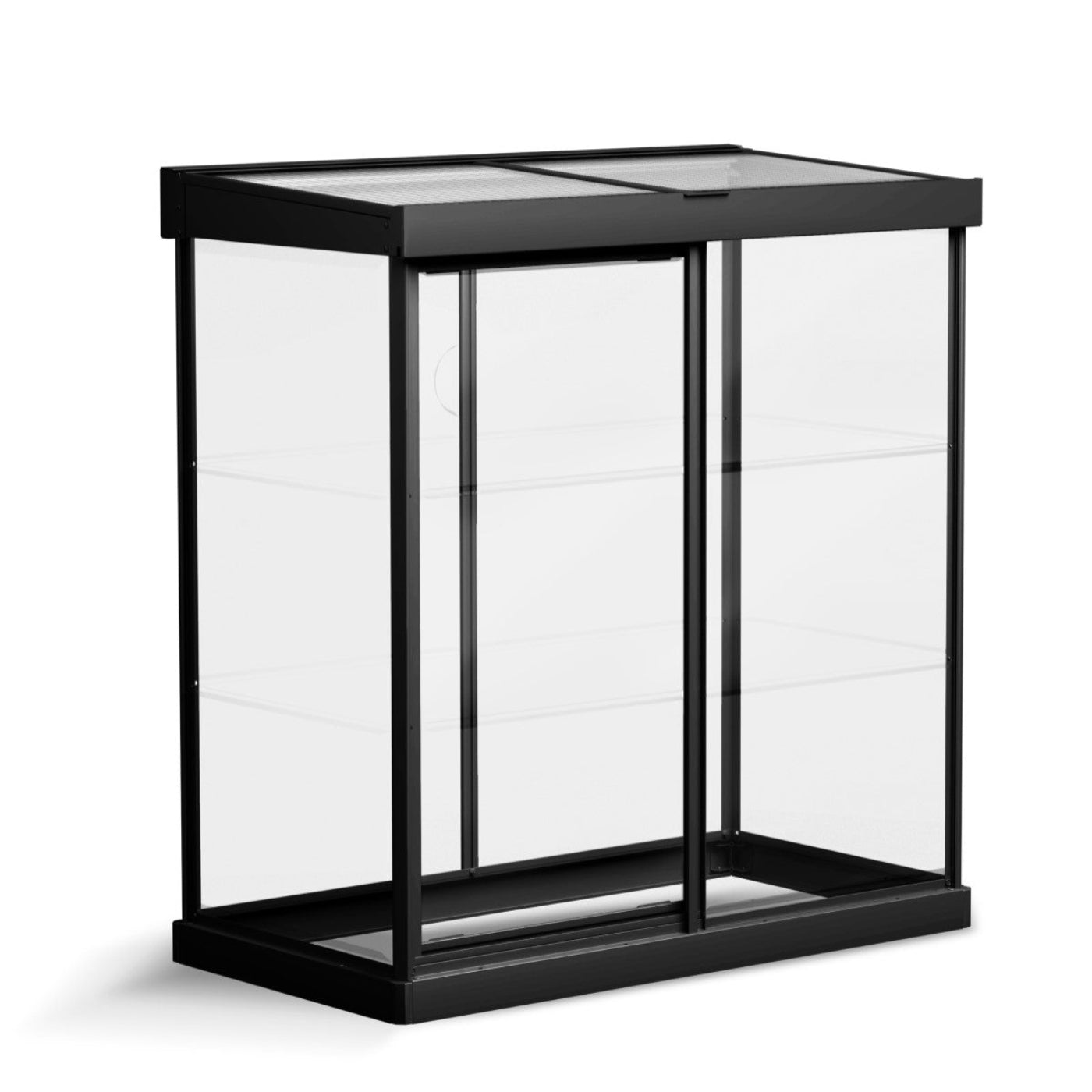
Raise3D manufactures this cart specifically for use with its E2, Pro2, Pro3, and N2 model 3D printers. This rugged cart is designed to keep your printer at the ideal height for everyday operation. The cart has casters with wheel locks for safe and easy movement within your facility, making it a great fit for schools or business in which multiple departments share use of the 3D printer. The cart also features interior storage space, a convenient place to keep all your filament and other 3D printing tools and accessories. All Raise3D printer carts include a 3-year limited warranty.
Specifications
| Color |
Black |
| Width |
24.5 inches (≈ 62.2 cm) |
| Height |
38 inches (≈ 96.5 cm) |
| Depth |
23.25 inches (≈ 59.1 cm) |
| Category (Estimated) |
High-back chair / bar stool / tall accent seating |
| Size Type |
Medium-height furniture |
What our Experts Think
-
Purpose-built for Raise3D workflows
Designed specifically for the Pro3, Pro2, and E2 series, this cart ensures a perfect fit, stability, and seamless integration—something generic carts often lack.
-
Optimized working height = better efficiency
Elevates your printer to an ergonomic, operator-friendly height, improving monitoring, maintenance, and overall workflow efficiency in professional environments.
-
Industrial-grade mobility with stability
Equipped with heavy-duty casters and wheel locks, allowing you to easily reposition your printer while maintaining rock-solid stability during prints.
-
Integrated storage for a clean workspace
Includes built-in drawers and shelving to organize tools, filament spools, and accessories—keeping everything accessible and clutter-free.
-
Durable, production-ready construction
Built with industrial-grade materials, capable of supporting heavy 3D printers during continuous operation without vibration or compromise.
-
Ideal for shared or multi-user environments
Particularly useful in labs, classrooms, and print farms, where mobility, organization, and accessibility are critical.
-
Professional aesthetic for modern workspaces
Sleek, enclosed design enhances workspace appearance while keeping equipment and materials neatly stored.
Q&A
Q: What is the Raise3D Printer Cart for Pro3/Pro2/E2?
A: The Raise3D Printer Cart (MCDMJNK4) is a professional-grade rolling workstation designed specifically to support Raise3D Pro3, Pro2, and E2 3D printers, improving workspace organization and accessibility.
Q: Which 3D printers are compatible with this cart?
A: It is compatible with Raise3D Pro3, Pro2, E2, and E2CF printers, ensuring a precise fit and stable support.
Q: What are the key benefits of using this printer cart?
A: The cart elevates your printer to an optimal working height, enhances workflow efficiency, and keeps tools and materials organized in one place.
Q: Does the cart include storage space?
A: Yes, it features a built-in drawer and storage compartments for filament spools, tools, and accessories—keeping your workspace clean and efficient.
Q: Is the cart mobile and stable?
A: Absolutely. It comes with heavy-duty caster wheels and locking mechanisms, allowing easy movement and secure positioning during operation.
Q: What are the dimensions of the Raise3D Printer Cart?
A: The cart measures approximately 24.5” W × 38” H × 23.25” D, making it compact yet sturdy for professional environments.
Q: Is it suitable for professional or industrial use?
A: Yes, its industrial-grade construction ensures durability and reliability for continuous use in workshops, offices, and educational settings.
Q: Does it require assembly?
A: Yes, minimal assembly is required, and it typically includes all necessary hardware and instructions for quick setup.
Maintenance Tips
-
Lock wheels before printing: Always engage caster locks to prevent vibration and ensure print stability.
-
Clean storage areas regularly: Remove dust, filament debris, and tool clutter from drawers and shelves to maintain an organized workflow.
-
Inspect wheel & frame integrity: Periodically check casters, fasteners, and frame for wear to support heavy printer loads safely.
-
Avoid overloading shelves: Store filament and tools within recommended capacity to prevent structural strain.
-
Keep cart level & stable: Place on even surfaces to maintain proper printer alignment and reduce print defects.
-
Wipe surfaces & prevent corrosion: Clean with a dry or slightly damp cloth to preserve finish and durability.
-
Organize filament storage properly: Use designated compartments to avoid tangling and contamination.
-
Check optimal working height setup: Ensure printer placement remains ergonomic for safe and efficient operation.


 Damage
  Loss
Loss  Theft
Theft